
Alerts on your phone about what matters to you: all the ways to follow InfoCórdoba
You can follow what happens in Córdoba on Telegram, Instagram and Facebook. We tell you how to sign up on each one and how to receive mobile alerts only about what interests you, the email newsletter and how to have InfoCórdoba on your mobile as an app.
Redacción ·
Telegram: all the news, as soon as it's published
Join the InfoCórdoba channel on Telegram (opens outside the portal)
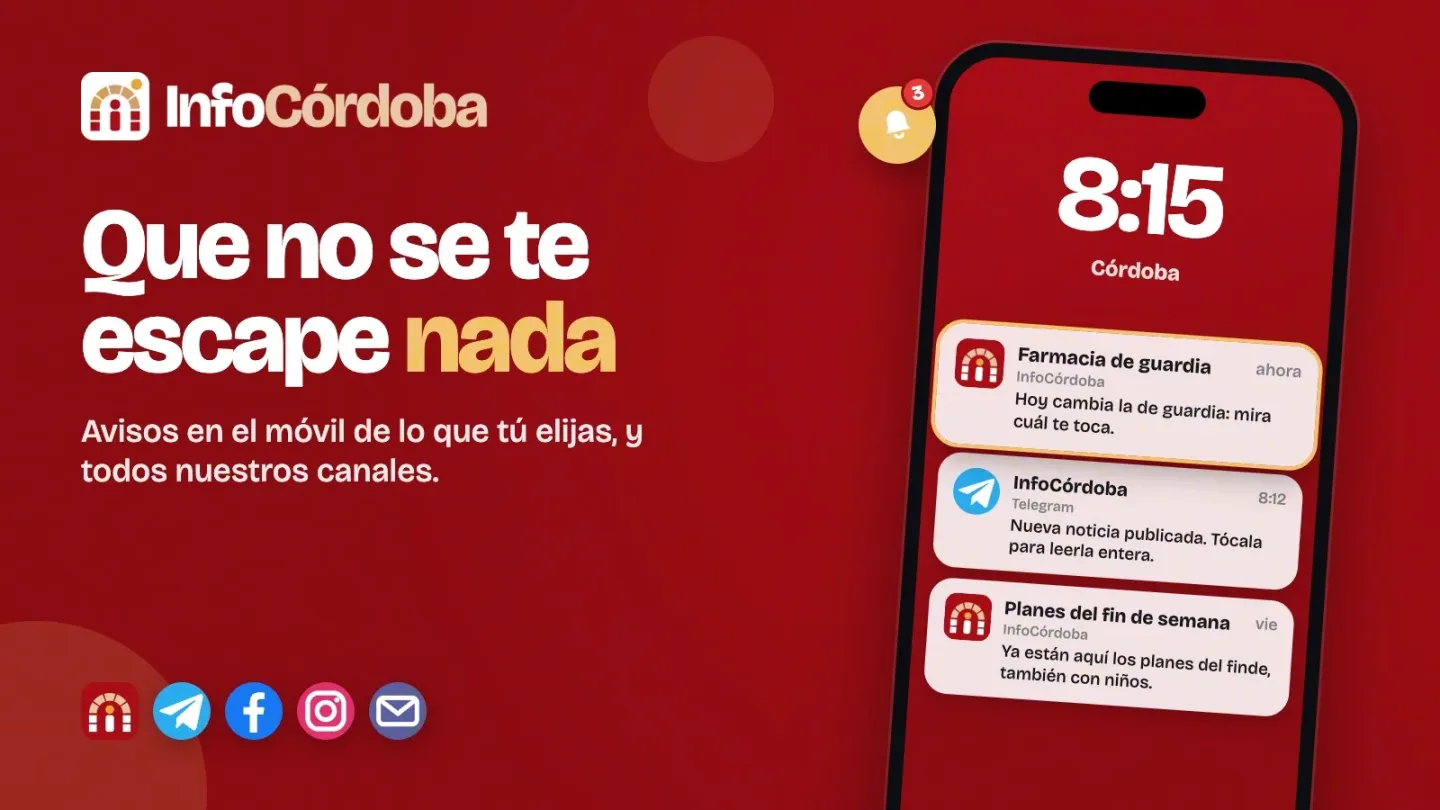
Alerts on your phone, only about what interests you
- The on-duty pharmacy, when it changes.
- AEMET alerts for wind, rain, heat or storms.
- Each morning's weather, in a summary.
- Announced water cuts in the city.
- Weekend plans and plans with kids, every Friday.
- New concerts added to the agenda.
- Breaking news, only when something happens that can't wait.
- Cancelled or diverted flights.
- Scheduled power cuts.
InfoCórdoba on your home screen, like an app
- On iPhone, with Safari: open infocordoba.es, tap «Share» and then «Add to Home Screen».
- On Android, with Chrome: open infocordoba.es, tap the three dots at the top right and then «Install» (or «Add to Home screen»).
- On a Samsung: «≡» menu at the bottom, «Add page to» and «Home screen».
Facebook and Instagram
InfoCórdoba on Facebook (opens outside the portal)
InfoCórdoba on Instagram (opens outside the portal)
One email a week
On Google, InfoCórdoba first
Choose InfoCórdoba on Google (opens outside the portal)
Breaking news from News, on your phone
An alert only when something can't wait. Free, no account needed.
On iPhone, alerts only arrive if you first add InfoCórdoba to your Home Screen. How to do it, step by step
This browser can't receive alerts. Try another one, such as Chrome or Safari.
You've blocked alerts from InfoCórdoba in this browser. You can turn them back on in its settings. How to do it, step by step
Only what can't wait. Change or remove it in my alerts
Shall we let you know what matters?
Phone alerts
On iPhone, alerts only arrive if you first add InfoCórdoba to your Home Screen. How to do it, step by step
This browser can't receive alerts. Try another one, such as Chrome or Safari.
You've blocked alerts from InfoCórdoba in this browser. You can turn them back on in its settings. How to do it, step by step